Drafting
AutoCAD Drafting Standards for Gulf Fit-Out Packages
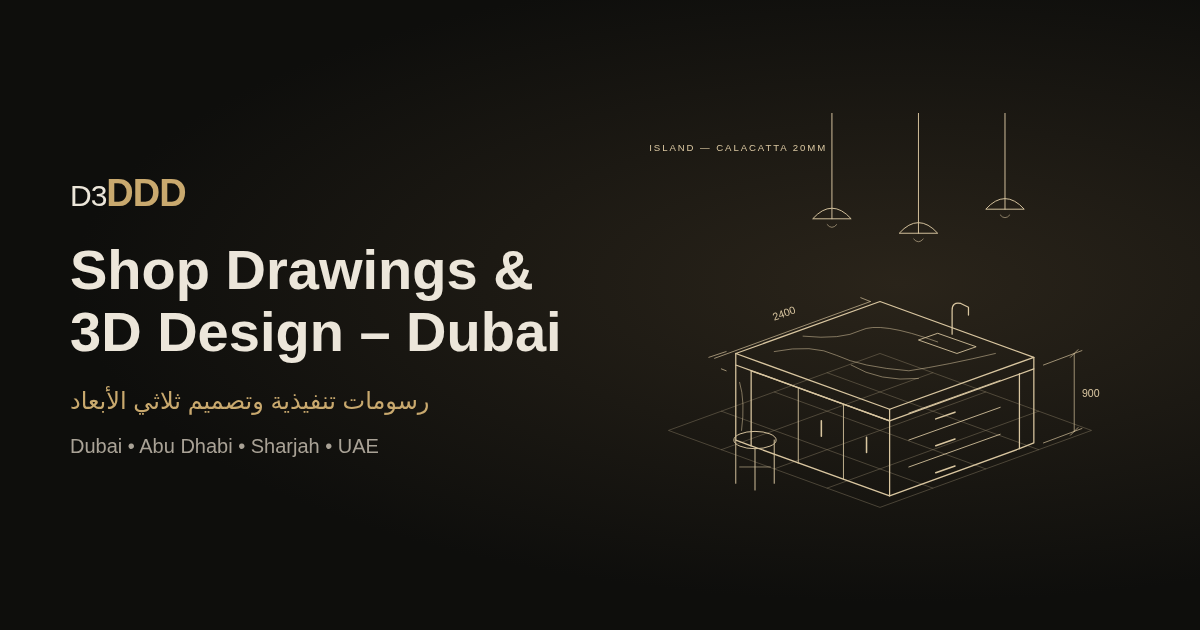
Fit-out packages in Dubai, Abu Dhabi, Doha and Riyadh move through many hands: architect, interior designer, MEP, joinery, stone, glass, and the main contractor’s document controller. When AutoCAD drafting standards are weak, every consultant invents their own layer soup — and the site pays in clashes and RFIs.
This guide is a plain set of standards that small and mid-size teams can actually keep. It is not a claim that one template fits every authority; it is what keeps Gulf fabrication drawings readable.
Why standards beat “just send the DWG”
A DWG without agreed layers and naming is not a deliverable — it is a liability. Typical symptoms:
- Dimensions live on the same layer as furniture blocks
- Stone piece tags sit on Defpoints and disappear in plots
- Xrefs are absolute paths that break on the next laptop
- Rev clouds exist, but the revision table still says “A”
Standards exist so a new draughtsman can open the set on day one and find the sink cut-out without a phone call.
Layers: few, named, predictable
Use a short prefix scheme and stick to it. Example pattern many Gulf fit-out teams recognise:
A-WALL-*— architectural walls / openingsA-FURN-*— loose and fixed furniture (non-fab)S-STONE-*— stone pieces, tags, edgesJ-CAB-*— joinery carcass / frontsM-*-NPLT— MEP reference (no-plot or screened)G-ANNO-*— dimensions, notes, revision cloudsG-VIEW-*— viewports, title systems
Rules that matter more than the exact spelling:
- Never put model geometry and annotation on the same layer.
- Keep a no-plot layer for construction lines and markups.
- Freeze MEP reference by default in fabrication layouts.
- Document the layer list on a cover or standards sheet inside the set.
Naming files and pieces like a document controller
- File names:
PROJECT_Discipline_Sheet_RevC.dwg(or your PDM equivalent) — avoidfinal_FINAL_v7.dwg. - Piece IDs: stable across plan, elevation, schedule and cutting list (critical for marble shop drawings).
- Layout tabs: match sheet numbers on the title block (
ST-101,ST-102…).
If the PDF sheet number and the DWG tab disagree, site will trust the wrong one half the time.
Xrefs and units
- Prefer relative xref paths within a controlled folder tree.
- Agree units (mm for almost all UAE fabrication) and insert scale before the first exchange.
- Bind or detach abandoned xrefs before issuing “for fabrication.”
- Keep a clean “sheet file + model file” split when the set grows past a few layouts.
Plot styles, fonts and PDF output
Fabricators print. Fancy TrueType that substitutes on their PC helps nobody.
- Stick to licensed or standard SHX/TTF fonts you ship with the set or that every party already has.
- One CTB/STB per project; greyscale for reference, solid for fabrication geometry.
- PDF sheet size and fold marks agreed with the contractor (A1 / A3 workflows differ by company).
- Export PDF from the same plot setup every revision so overlays work.
Dimensions and tolerances
For stone and joinery:
- Dimension to the faces the fabricator can control.
- Note site-measure holds clearly (“verify on site — do not cut”).
- Put overall grids and critical centres (sink, hob, tap) where a supervisor can see them without zooming through clutter.
Pretty dimensions on a non-critical reveal do not compensate for a missing island length.
Revision workflow that survives WhatsApp culture
Gulf projects still lose days to “latest PDF in the group.” Counter it inside CAD:
- Revision letter on every sheet title block
- Short description in the revision table (human language)
- Cloud + delta on changed areas only
- Transmittal that lists sheets + rev (email or portal)
- Superseded PDFs renamed or filed — not left as the top Google Drive sort
D3DDD treats that paperwork as part of drafting, not as optional admin.
Minimal standards sheet (copy into your next project)
Include one A4/A3 standards sheet with:
- Layer list + colour/plot intent
- Text styles and dimension styles
- Edge / tag symbol legend for stone or joinery
- File naming pattern
- Contact for CAD queries (info@d3ddd.com on our sets)
That single sheet saves more RFIs than another decorative cover.
Related deliverables
Clean CAD is the spine for:
- Marble and stone shop drawings
- Cutting lists and nesting inputs
- BOQ take-offs that match piece IDs
- Contractor-facing websites that show real package samples — not only hero renders
How to get help
If your current set is a patchwork of consultants’ files, we can rebuild a fabrication-ready AutoCAD package with consistent layers, tags and revisions. Request a quote, follow drafting notes on Instagram @mxhaib, or see options on Fiverr (@mxhoaib).
Key takeaway
AutoCAD standards for Gulf fit-out are not bureaucracy. They are how stone, joinery and MEP stay on the same numbers when the programme is loud and the chat thread is louder. Few layers, stable names, relative xrefs, honest revisions — then plot.